Welcome to PilotIQ. This guide takes you from signing in to using every part of the website to study for your CASA RPL or PPL — for aeroplane or helicopter.
1. Create your account
- Go to pilotiq.com.au and choose Create your free account.
- If your flying school invited you, use the link in your invite email (or enter the join code they gave you on the sign‑up screen) — this connects you to your school so you get their branded course and lessons.
- Sign up with email, Apple or Google. That's it — you're in.
2. Signing in
Use Log in at the top right any time. Forgot your password? Use the reset link on the login page. If you've turned on two‑factor authentication, you'll enter a code from your authenticator app.
3. Your dashboard
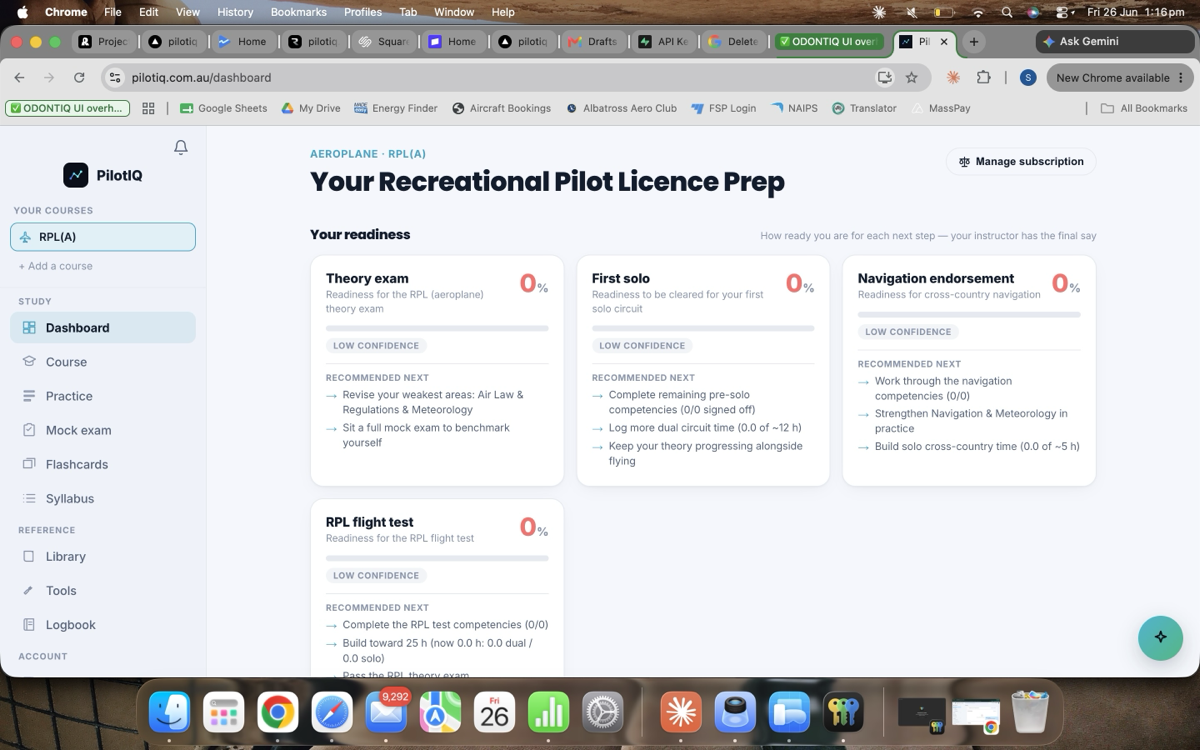
The dashboard is your home base. It greets you, shows your readiness toward your next milestone, what to study next, and quick links into the course. If you're with a school, you'll see their branding here.
4. Course — theory & practical
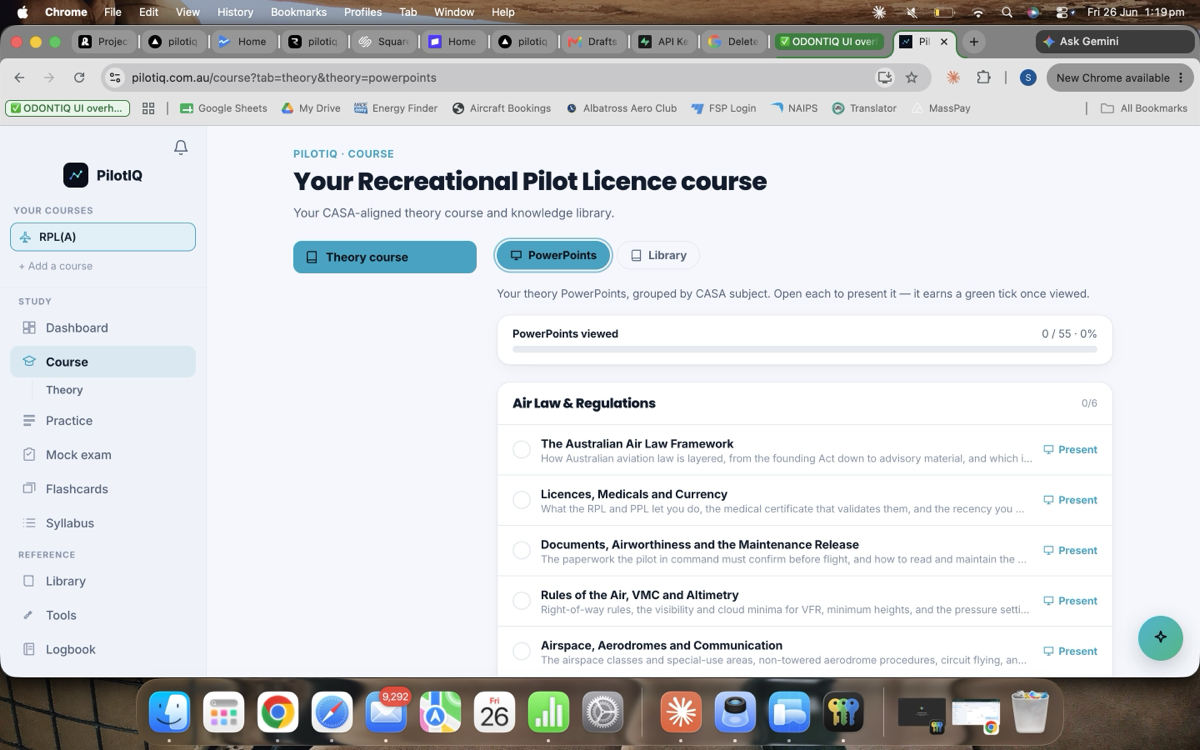
Course is the heart of your study, split into two tabs:
- Theory — work through the knowledge areas as branded PowerPoint‑style lessons, with a library of plain‑English notes and diagrams for every unit. Your school can release lessons to you here as you progress.
- Practical — your flying syllabus and milestones, where your instructor's sign‑offs and progress appear.
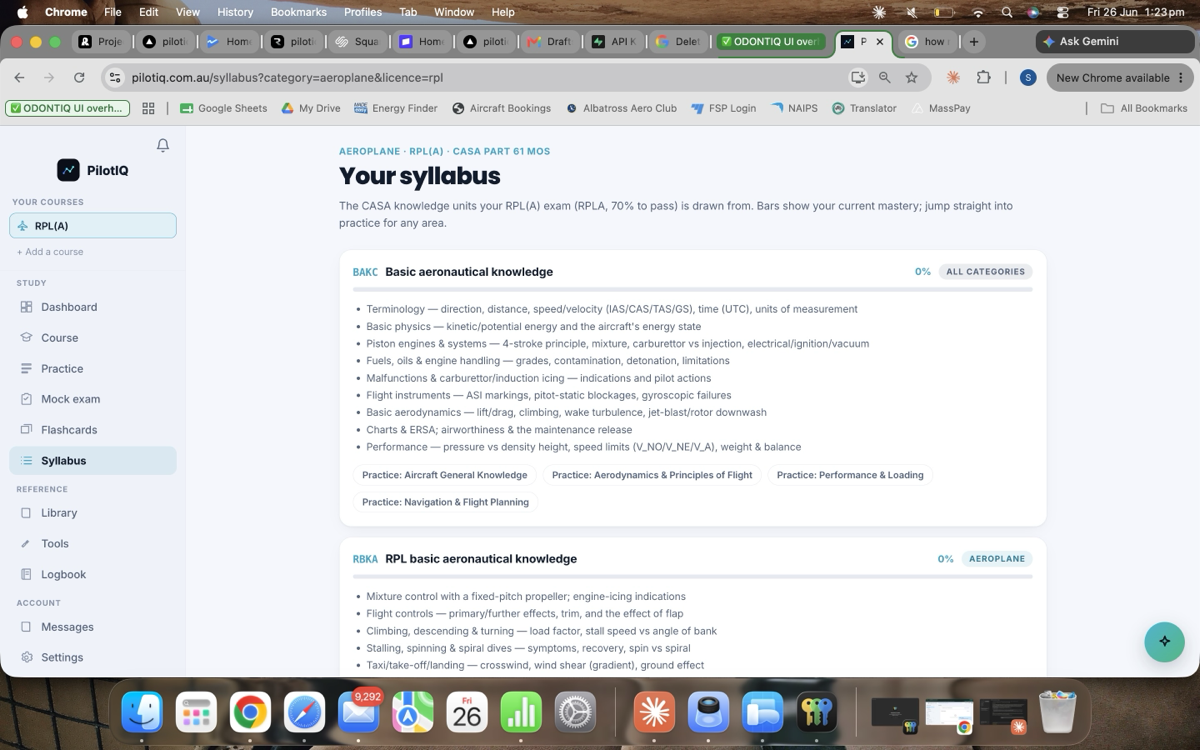
The Syllabus lays out every knowledge unit and your progress through it:
5. Practice
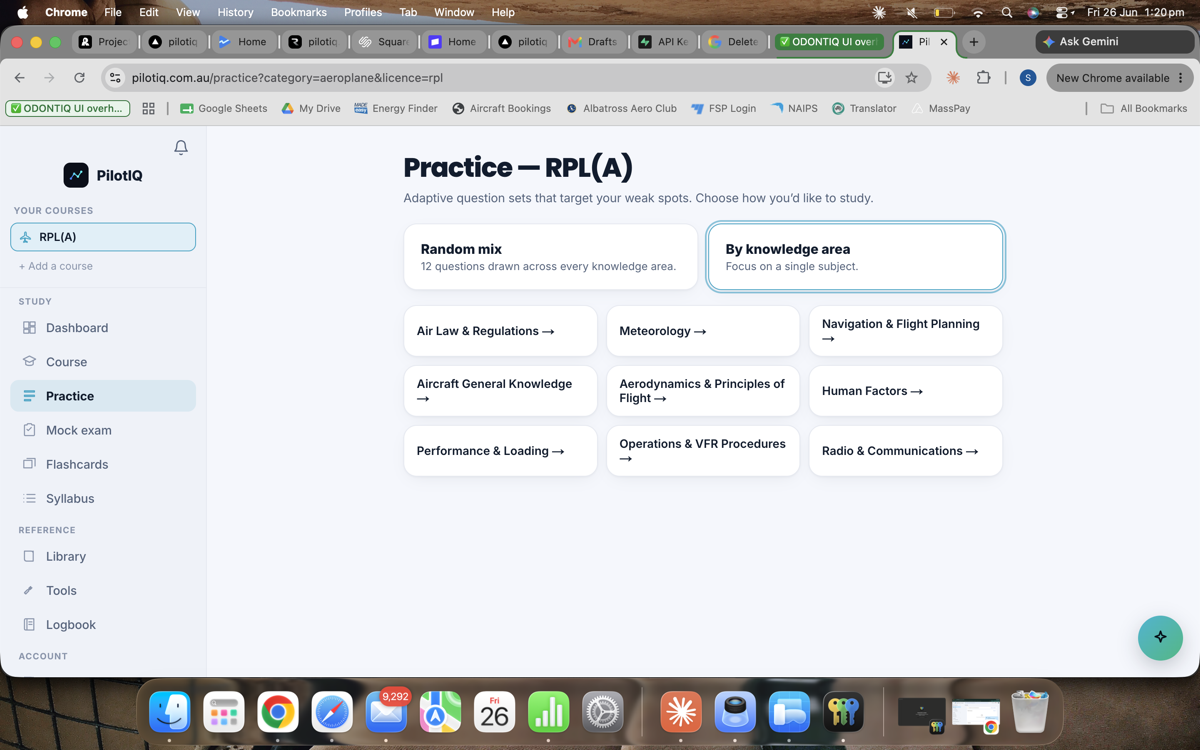
Practice is adaptive question practice. It learns your weak knowledge units and focuses your questions there, so your study time goes where it counts. Every question shows a worked explanation.
6. Mock exams
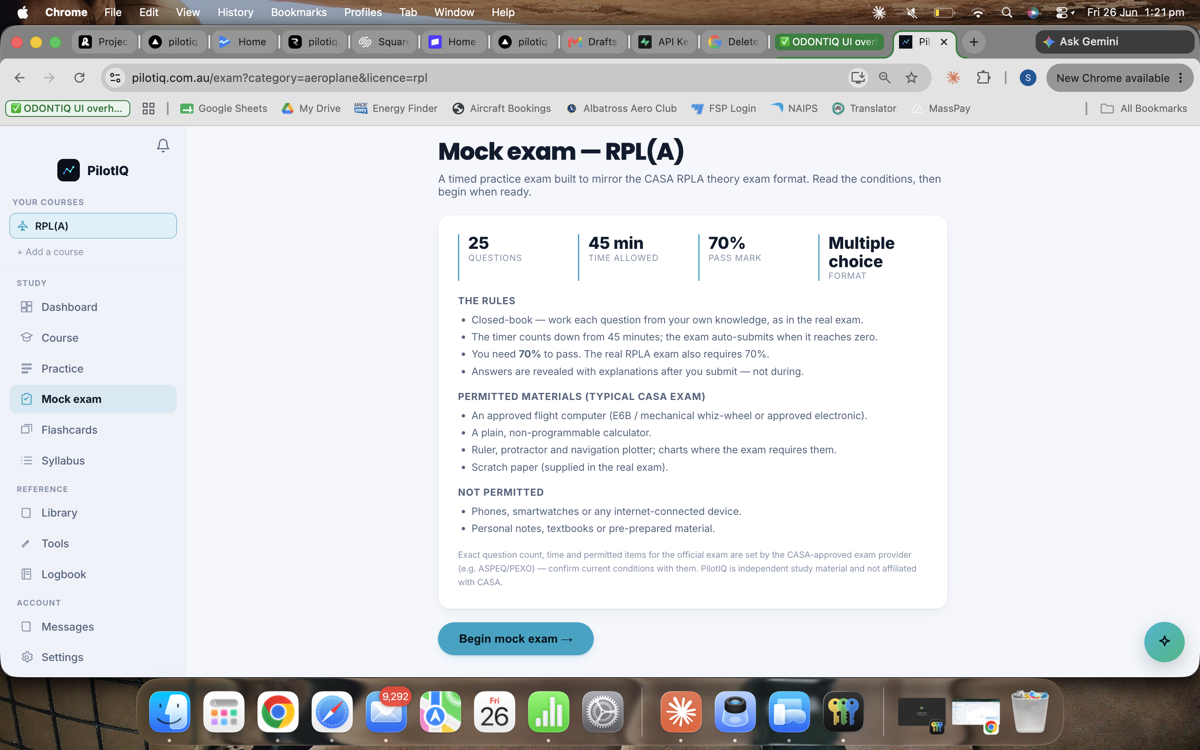
When you're getting consistent, take a Mock exam — it mirrors the real CASA exam format and pass mark (RPL 50 questions / 2 hours; PPL 60 questions / 3.5 hours; 70% to pass). Use it to confirm you're ready before you book the real thing; any unit you miss is flagged so you can shore it up.
7. Flashcards & Reference
- Flashcards — fast recall for the facts you need at your fingertips.
- Library / Reference — CASA publications, charts and the theory library, all in one place.
8. Track your readiness
Across the app, PilotIQ tracks how you're tracking — when you're consistently above the pass mark and which areas still need work. Your school (if you have one) can see this too, so your instructor always knows where you stand.
9. The Logbook app
Studying is half the picture — log your flying in the PilotIQ Logbook app (iPhone/iPad), which uses the same account. Track hours, currency and get your flights signed off. See the Logbook guide.
10. Settings & subscription
Settings holds your profile, authority (CASA/FAA/EASA), and your subscription — your plan, what's unlocked, and manage/billing. Students at a founding school study at the member rate.
PilotIQ is independent study material and is not affiliated with CASA.